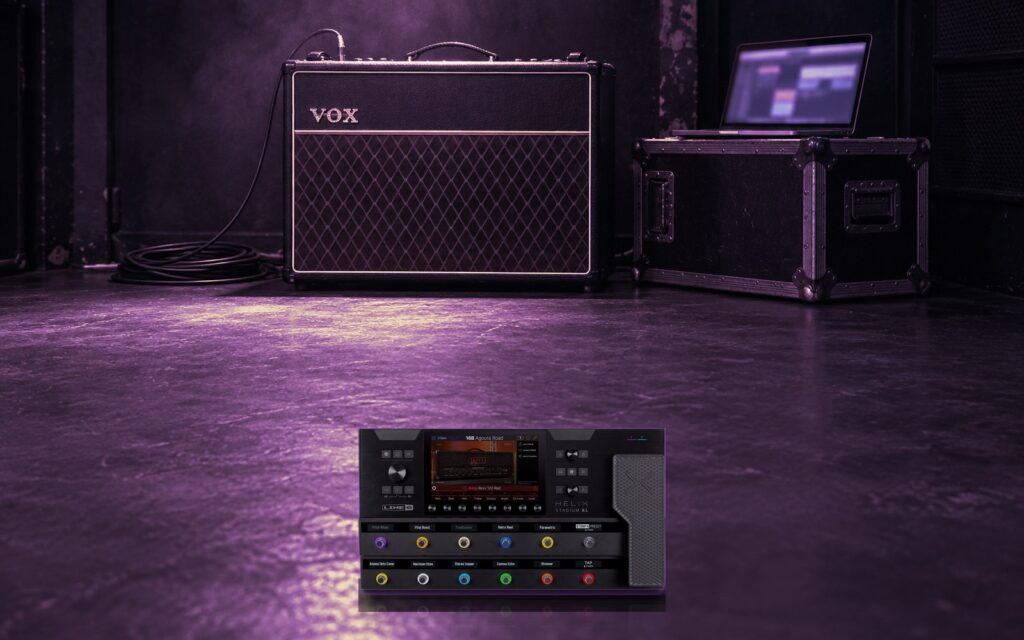
A Helix Stadium preset that uses clones is really two things: the preset itself, and the captures it points at. Load them in the wrong order and the preset opens with empty blocks. Load them in the right order and it works first time. Here’s the order we use for every Stadium pack in the store.
What’s in a Stadium pack
- Presets end in
.hsp. These are the patches you play. - Clones end in
.clone. These are captures of real amps, cabs and drive pedals that the presets use. - The GTG READ ME, a short PDF with the file list and loading steps for that pack.
The order that works
- Connect and open the editor. Connect your Helix Stadium to your computer and open Line 6’s Helix Stadium editor.
- Import the amp and cab clones first. Add them to your clone library in the librarian.
- Import the drive and distortion clones second.
- Import the presets last, into your User setlist. Because the clones are already there, each preset finds them.
- Check the clone blocks. Open each preset and confirm every clone block shows the capture it should. The names match the files in the pack.
If a clone block is empty, the clone it wants wasn’t imported yet. Import it, then pick it in that block and save the preset.
The phase tip for dual-amp presets
This one catches almost everyone. When you swap different clones in and out of a dual-amp preset, the two amps aren’t always in phase with each other. When they’re out, the sound goes thin and harsh, almost metallic, and no amount of EQ fixes it.
The fix takes a minute:
- Select the merge mixer: the circle right after the second amp and cab clone, where the two paths join again.
- Set A Pan and B Pan both to center.
- Switch B Polarity between Normal and Inverted, and keep whichever sounds fuller.
- Set A Pan back to left 100 and B Pan back to right 100.
Do this any time you change one of the two amp clones.
Then make it yours
- Start with the volume low and bring it up. Presets are balanced for a typical rig, and yours may be louder or quieter.
- Adjust for your pickups. Every guitar is different. Expect to trim the clones, EQ and tilt blocks a little for single coils or humbuckers.
- Save a copy first. Keep the original preset as it came, and edit a copy.
Packs to try it on
All of our Helix Stadium packs load this way. BIG AMBIENT! is a good first one: two presets on Vox AC15 and AC30 clones, each with eight snapshots. For a wider palette, the Dual Amp Collection pairs the AC30 with other amps, such as AC30 + DC30.